Free VRM models for AniMate: where to find safe character sources
AniMate does not provide third-party anime or game characters. If you want to bring your own avatar to the desktop, start with official or creator-authorized VRM sources, then check the file format and usage terms before importing.
Best places to start
If your goal is to find a free or low-cost VRM character that can live on your Windows desktop, begin with sources that show a real creator page, a preview, and clear terms. The safest path is not "download the first pack you find"; it is "find the original source, confirm the license, then import the compatible file."
| Source type | Best for | What to check |
|---|---|---|
| VRoid Hub | Original VRoid-style avatars and creator profiles | Download availability, conditions of use, and whether third-party app display is allowed |
| BOOTH | Creator-made free or paid VRM avatars, outfits, and 3D assets | Whether the product package actually includes a `.vrm` file, not only Unity, FBX, or texture files |
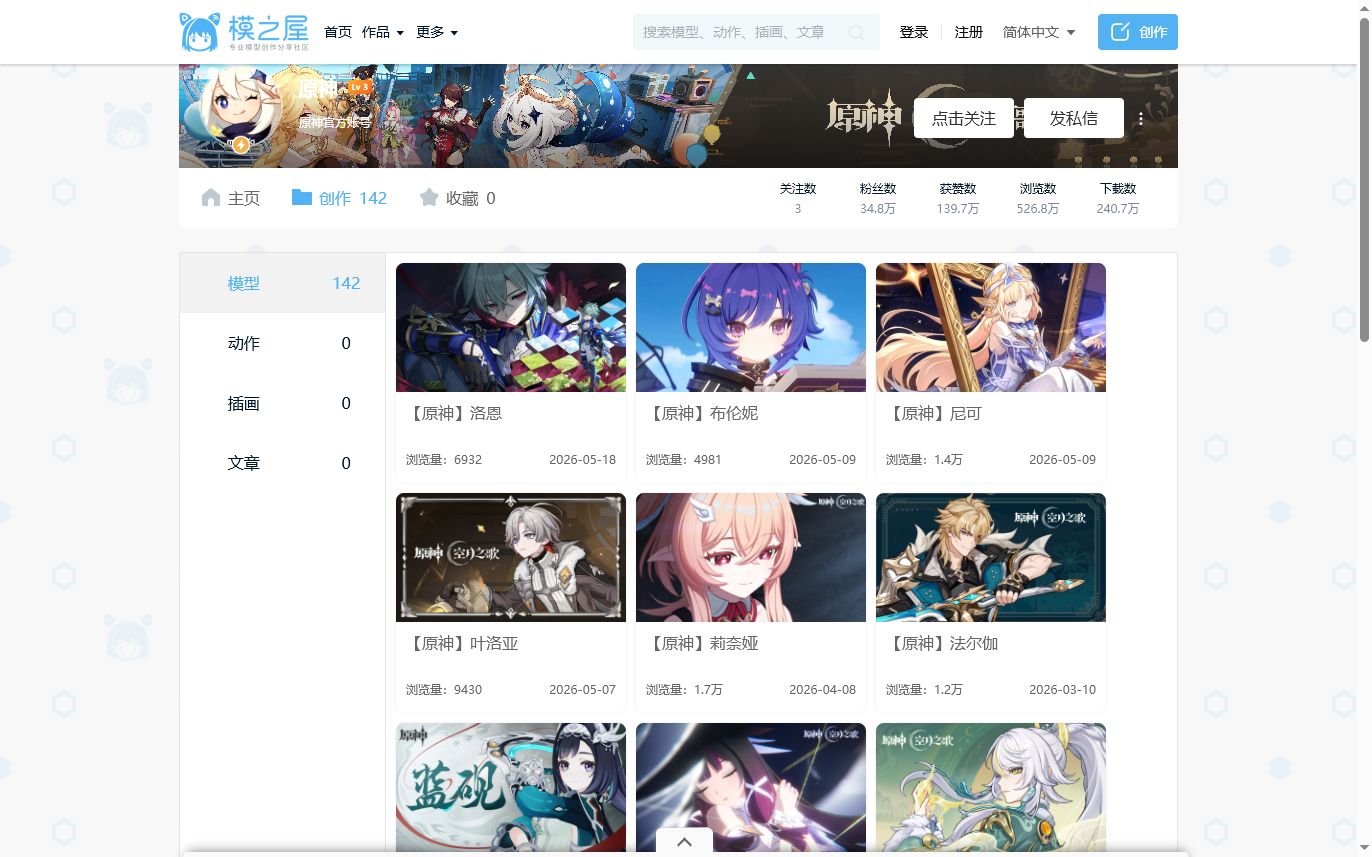
| Official model pages | Public releases from game studios, virtual idols, or character projects | Official source, file format, fan-content rules, screenshot/video permissions, and redistribution limits |
| Creator communities | Community avatars, fan models, and personal-use releases | Original author link, repost status, license notes, update history, and download host |
| Your own VRoid export | A fully personal avatar workflow | Export settings, model weight, hair/clothing physics, and whether the result performs well on desktop |
What this guide is for
This guide is written for personal desktop companion users. You may want a cute avatar beside your apps, a VTuber-style character for your setup, or a model that can later dance in AniMate Workshop. You do not need to learn Blender, Unity, rigging, or MMD conversion before you start.
The main thing is to choose a source that is clear enough to trust. A beautiful preview image is not enough. Before you import anything, make sure you know where the model came from, who published it, what file is included, and whether the creator allows the kind of use you have in mind.
VRoid Hub: cleanest starting point for VRM-first avatars
VRoid Hub is a natural first stop because it is built around VRoid and VRM-style character presentation. A model page can show the character preview, creator profile, usage conditions, and download availability in one place. That makes it easier for beginners to avoid random files with unclear origins.
Do not assume every visible character is downloadable. Open the character page and look for whether download is allowed, what the conditions of use say, and whether using the model in another application is acceptable. If the terms are unclear, choose a different model for public screenshots, videos, or promotional use.
BOOTH: high-quality creator assets, but read the product page
BOOTH is one of the strongest places to find creator-made 3D avatars. Search for terms like "VRM", "free", "3D model", or the Japanese keyword "無料". You will find free models, paid avatars, outfits, accessories, and model-editing resources.
The main catch is that not every 3D product is an AniMate-ready VRM avatar. Some products contain Unity packages, FBX files, textures, clothing parts, or project files without a finished `.vrm` export. Before downloading or buying, check the file list and product description carefully.
Official model pages: good for familiar characters when terms are public
Many users search for a favorite anime, game, or virtual idol character first. That is understandable, but the source matters. Prefer official public release pages, official creator accounts, or author pages that clearly explain the model package and usage rules.
Official does not always mean VRM. Some studios publish MMD, PMX, FBX, or application-specific models. Those files may be useful in other tools, but they may not import directly into AniMate. If you want the simplest path, look for an explicit `.vrm` file.
30-second license and file checklist
- File format: the download includes a real `.vrm` file, not only PMX, FBX, Blend, UnityPackage, or textures.
- Original source: the page identifies the creator, official account, marketplace item, or project owner.
- Download permission: the model is actually available for download, not just online preview.
- Personal use: local desktop use is allowed or not prohibited by the posted terms.
- Public use: screenshots, videos, streaming, commercial use, and ads are checked separately.
- Redistribution: do not reupload or bundle the model unless the creator explicitly allows it.
- Desktop performance: the model is not too heavy for an always-on companion, and long hair, sleeves, skirts, or accessories do not break motion too badly.
What to avoid
Avoid reupload sites, "mega pack" downloads, model folders with no author, and social posts that strip away the original license. Also avoid using unclear third-party character models in store screenshots, ads, public demos, or brand materials. When in doubt, use your own VRoid export, a clearly licensed creator model, or an official model with public usage rules.
Search terms that work
| Goal | Try searching |
|---|---|
| Free VRM avatars | free VRM model, VRM avatar download, VRoid Hub free VRM, BOOTH VRM free |
| Creator marketplace models | BOOTH VRM, VRM 3D model, 無料 VRM, 3Dモデル VRM |
| Official character models | official model download, character name VRM, game name 3D model, project name MMD model |
| Dance-friendly avatars | VRM dance model, lightweight VRM avatar, short hair VRM, VRM desktop companion model |
FAQ
Where can I find free VRM models for AniMate?
Start with VRoid Hub, BOOTH, official model release pages, and creator pages that clearly identify the author, file package, and usage terms. Choose original or authorized pages over reposted downloads.
Can I use anime or game character models?
AniMate can import compatible VRM files, but it does not decide the rights for the character. For private desktop use, the practical risk is usually lower; for public screenshots, streaming, videos, store assets, or commercial use, read the official or creator terms carefully.
Can AniMate import PMX, FBX, or UnityPackage files?
AniMate is designed around VRM import. PMX, FBX, Blend, or UnityPackage assets may need conversion, rigging, or extra cleanup before they become usable VRM files, so they are not the easiest first step for beginners.
After you find a model
Once you have a `.vrm` file from a clear source, open AniMate and import it. Then test desktop size, placement, mouse interaction, music reactivity, and Workshop behavior before you collect more models.
Ready to try your first VRM character?
Download AniMate, start with the built-in models, then unlock custom imports when you are ready to build your own avatar and performance library.