An Anime Desktop Pet & Companion That Can Become Your Own VRM Character
If you are looking for a cute desktop pet for Windows, AniMate starts there. The difference is what happens next: the character can become your own VRM avatar, with dances, motions, and stages managed in Workshop.
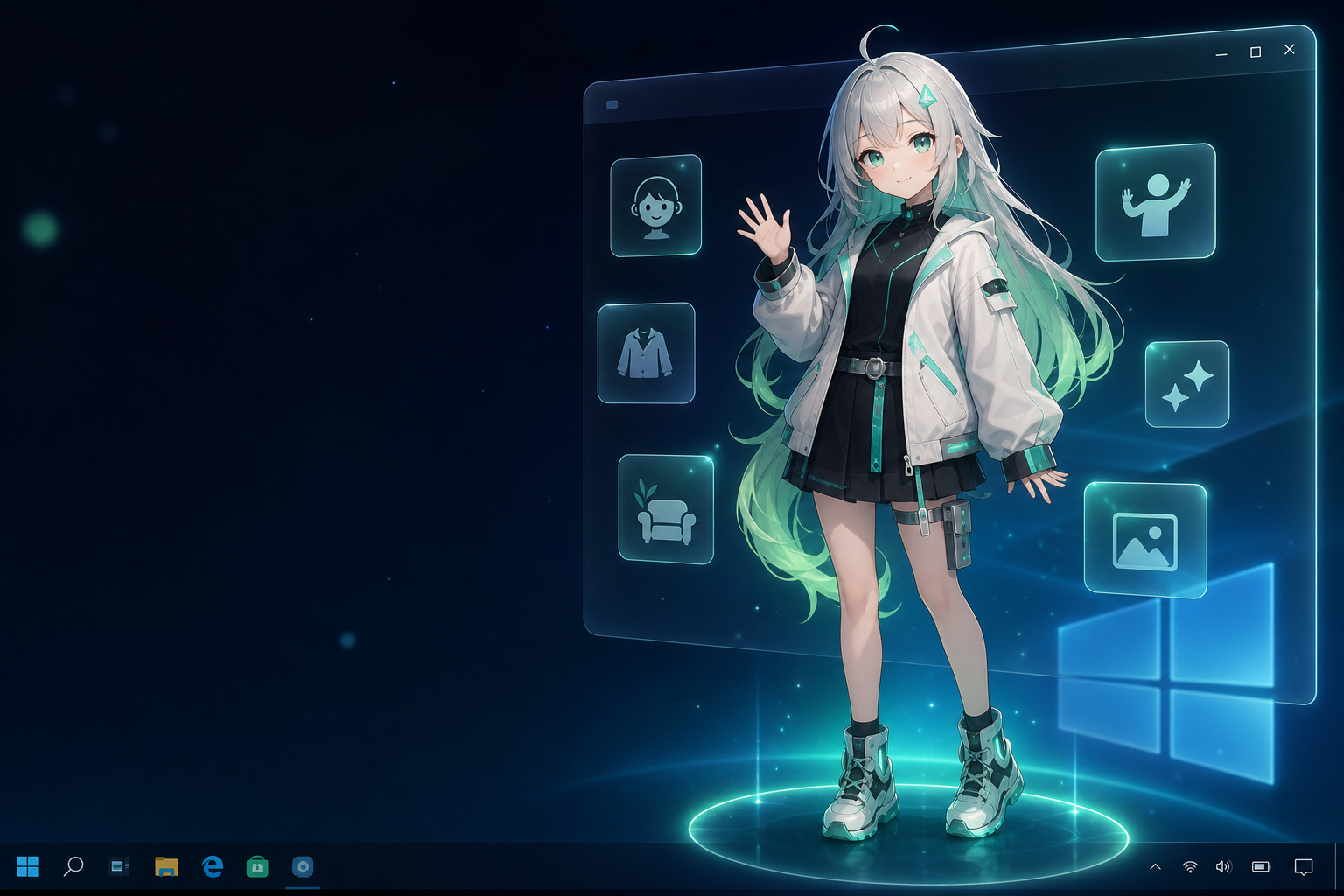
What makes AniMate different from a live wallpaper?
A live wallpaper changes the background. AniMate puts an interactive character into your desktop space. The character can stay beside your work, react to your mouse, respond to music, and become part of a Workshop setup.
Start free, then make it personal
Try built-in characters
Test desktop presence, interaction, and music reactivity without preparing a custom model.
Bring your VRM
Unlock custom VRM import when you want your own avatar or favorite permitted model.
Add dances
Use Workshop to test motions and dances across compatible characters.
Build a stage
Use placement and stage context so the character feels at home on your desktop.
Who is this for?
AniMate is useful if you want a lightweight anime desktop companion, but it is strongest when you care about your own avatar: a VRoid character, an OC, a VTuber-style model, or a VRM model from a creator-authorized source.
If you only want a fixed character that idles on screen, built-in characters may be enough. If you want the desktop to reflect your own character taste, follow the VRM path.
Follow the path
| Task | Where to go |
|---|---|
| Understand custom VRM desktop companions | VRM Desktop Companion |
| Find a model safely | Free VRM Models for AniMate |
| Import a model | Import VRM Model Guide |
| Make a character dance | Avatar Dance Workshop |
| Compare desktop pet software | Best Desktop Pet Software |
| Download a pet safely | Desktop Pet Download Guide |
| Understand AI desktop pets | AI Desktop Pet Guide |
| Make a character into a pet | Anime Character Desktop Pet Guide |
| Create a VRM model | Make VRM Models with AI and Codex |
FAQ
What is an anime desktop companion?
An anime desktop companion is an interactive anime character that stays on your desktop while you work. AniMate adds music reactivity, mouse interaction, and a path to custom VRM characters.
Does AniMate work on Windows 10 and Windows 11?
AniMate is designed for Windows desktop use. Check the download page for the current installer and system guidance.
Can I use my own anime character?
Yes, if you have a compatible VRM file and the model's usage terms allow your intended use. Custom imports are part of the Full Version.
What if I do not have a model yet?
Start with built-in characters first, then read the VRM model source guide when you are ready to find or prepare a model.
Start with a desktop pet, grow into your own avatar setup
Download AniMate and test the companion experience before preparing custom files.