Your Own VRM Desktop Pet & Companion for Windows
AniMate is a personal VRM desktop companion: start with built-in characters, then bring your own avatar, motions, dances, and stages into a reusable desktop setup.
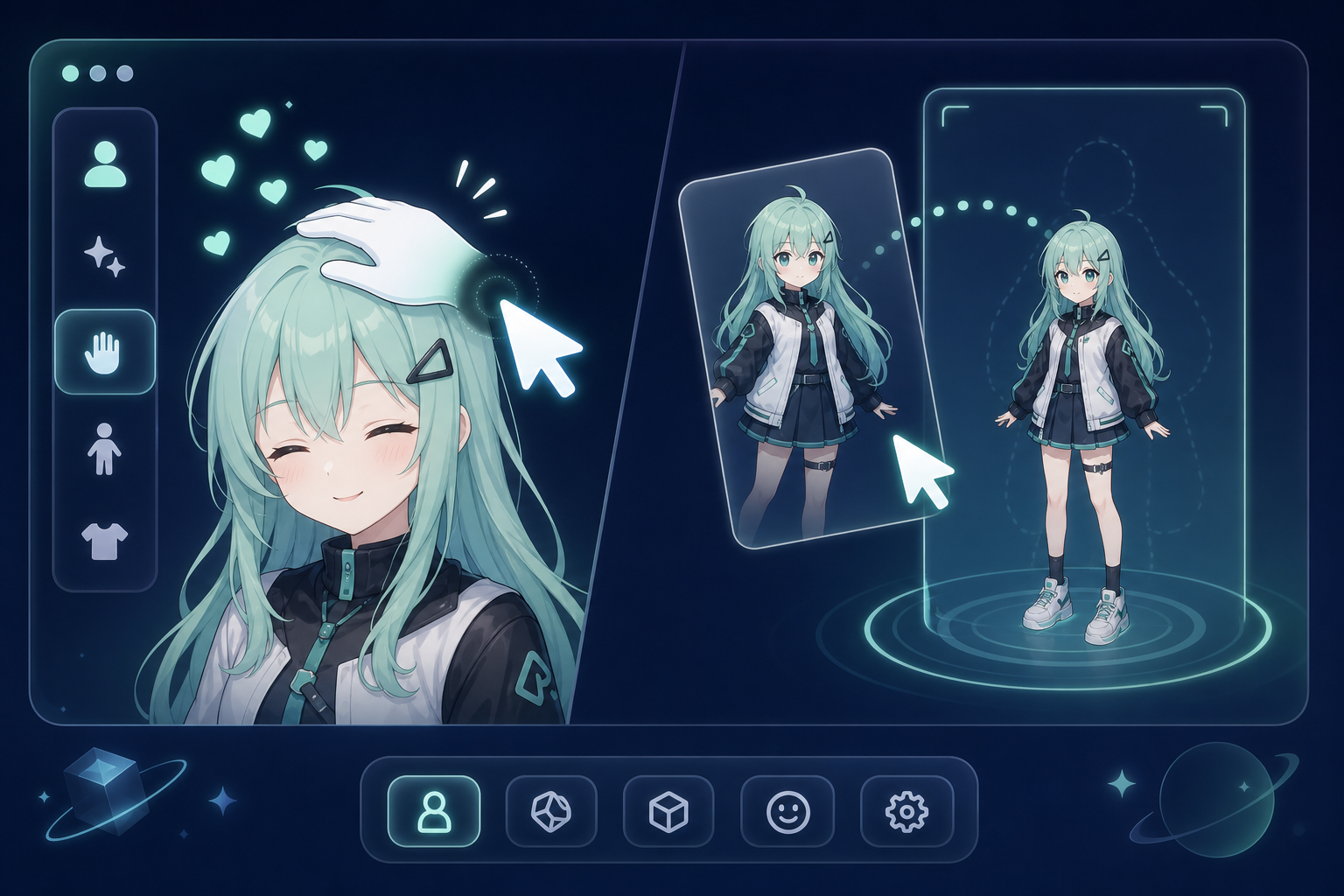
What is a VRM desktop companion?
A VRM desktop companion is a character that lives on top of your Windows desktop instead of staying inside screenshots, viewers, or streaming tools. It should be visible, adjustable, interactive, and comfortable enough for everyday desktop use.
AniMate is built for users who already have a VRM avatar, made a VRoid character, downloaded a permitted model, or want a reason to use the character assets they have collected.
The user path
- Try AniMate first: use built-in characters to test desktop presence, mouse interaction, and music reactivity.
- Prepare a VRM file: use your own VRoid export or a downloaded model with clear usage terms.
- Import and tune: adjust size, placement, interaction, and performance so the avatar fits your desktop.
- Build a library: use Workshop to manage avatars, motions, dances, and stages.
What you need before importing
- Windows: AniMate is focused on Windows desktop companion use.
- A compatible `.vrm` file: this is the most direct format for the import path.
- Clear usage terms: check personal use, streaming, screenshots, commercial use, and redistribution rules.
- A practical model: lighter models with clear silhouettes are easier to keep on the desktop all day.
Where to go next
| If you... | Next page |
|---|---|
| Wondering which VRM version your file is | VRM 0.x vs 1.0 explained |
| Comparing this year's apps | Best VRM desktop companions (2026) |
| Already have a `.vrm` file | Import a VRM model into AniMate |
| Need a model first | Find VRM models and check licenses |
| Want the avatar to dance | Explore Avatar Dance Workshop |
| Are comparing Desktop Mate | Choose between official character DLC and custom VRM workflows |
| Want to make a favorite character into a pet | Anime Character Desktop Pet Guide |
| Need a desktop pet app comparison | Best Desktop Pet Software |
| Want to create your own VRM | Make VRM Models with AI and Codex |
FAQ
What is a VRM desktop pet?
A VRM desktop pet is an interactive anime character that lives on your desktop using a compatible VRM model. AniMate places the character on Windows, lets it respond to your cursor and music, and gives you Workshop controls for interaction and performance assets.
Can I use a VRoid character?
Yes, if you export or obtain a compatible VRM file and the usage terms allow your intended use.
Can every VRM model dance correctly?
No. Hair, skirts, long sleeves, accessories, and model rigging can affect motion quality. Test with smaller motions before using full dances.
Is AniMate a live wallpaper?
No. AniMate is an interactive desktop companion and Workshop flow, not a passive wallpaper replacement.
Bring your character to the desktop
Download AniMate, try the built-in characters, then unlock custom imports when you are ready to use your own VRM avatar.