How to make your desktop character dance
Dancing works best when the avatar, motion, desktop placement, and stage context support each other. Start small, then build a repeatable Workshop setup.
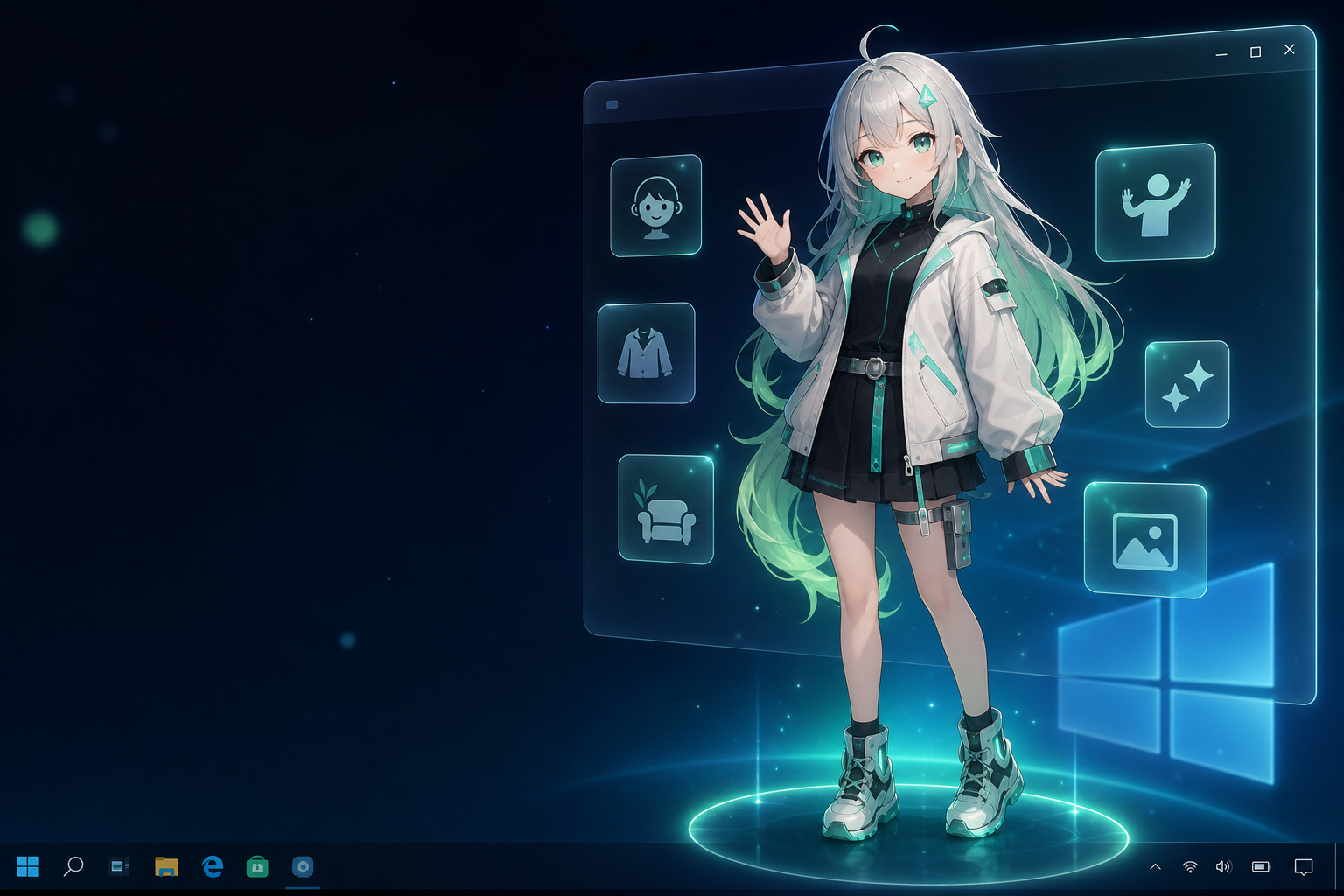
Choose a dance-friendly avatar
Shorter hair, fewer hanging accessories, clear body shapes, and lighter model weight usually make dance motions look better. Large sleeves, long skirts, and physics-heavy accessories can break during bigger movements.
- Clear silhouette: viewers should still understand the pose when the avatar is smaller on the desktop.
- Stable rig: use a model that already behaves well in basic idle and interaction motions.
- Moderate physics: long hair, cloth, and dangling accessories can look great while idle but distracting during large moves.
- Practical weight: a desktop companion is long-running, so lightweight models are easier to live with.
Start with one dance, then test avatars
The most useful Workshop habit is to keep the dance separate from the avatar. Pick one short motion or dance, test it on one avatar, then try it on another compatible avatar before deciding which combination is worth saving.
| Test | What to watch | Decision |
|---|---|---|
| Idle to first move | Does the avatar snap, float, or change scale unexpectedly? | If the transition is distracting, try a simpler motion first. |
| Hands and arms | Do hands pass through sleeves, hair, face, or accessories? | Minor clipping can be acceptable; constant clipping is not. |
| Feet and ground | Does the character appear to slide or lose contact with the stage? | Adjust scale or choose a dance with less footwork. |
| Desktop readability | Can you still understand the movement beside real windows? | If not, simplify the wallpaper or move the avatar. |
Build the desktop stage
- Pick a clean wallpaper or desktop area.
- Place the avatar away from dense icons and frequent work areas.
- Test a short motion before a full dance.
- Use music or stage context only when it improves the scene.
Choose the right stage for the moment
Dance does not always mean maximum energy. A desktop companion needs different levels of presence depending on what you are doing.
| Mode | Best use | Recommended motion |
|---|---|---|
| Daily companion | Work, study, chat, browsing. | Idle breathing, light reactions, short loops. |
| Music session | Listening while the desktop stays usable. | Beat-aware movement, gentle dance loops, stronger expression. |
| Recording or demo | Short clips, feature previews, social posts. | A planned dance, clean background, and a focused desktop area. |
Use Workshop as a library
The same dance can become a reusable asset. Try it with different compatible avatars, then keep the combinations that look stable and expressive.
Keep names and categories simple: avatar, motion, dance, stage, and purpose. A smaller library of tested combinations is more useful than a folder full of files you cannot confidently reuse.
Recording and sharing notes
Before recording or publishing a desktop dance clip, check the usage terms for the avatar, motion, dance, music, and stage assets. Local personal use is usually the easiest case; streaming, monetized videos, commercial promotion, and redistribution can have stricter rules.
For short clips, keep the scene readable: begin with the avatar in the desktop context, show one clear interaction or movement, then move into the dance. Ten to fifteen seconds is often enough to communicate the idea without overwhelming the viewer.
Common problems
The dance looks stiff
The motion may not fit the avatar's proportions. Try another avatar, a smaller motion, or a dance with fewer extreme poses.
The desktop looks too busy
Move the avatar to an empty area, simplify the wallpaper, hide unused icons, or use a stronger color contrast between the character and background.
The setup is fun for five minutes but distracting all day
Save it as a music or recording setup, then use quieter idle motions for normal desktop work.
Want the bigger Workshop picture?
Learn how avatars, motions, dances, and stages become a personal performance library.