Desktop Mate Alternative: Free Custom VRM Desktop Companion
Desktop Mate is popular because it makes anime characters feel present on your Windows desktop. But if your main goal is to use your own VRM character, build a personal character library, and add dances, motions, and stage assets, AniMate is designed around that workflow.
The short answer
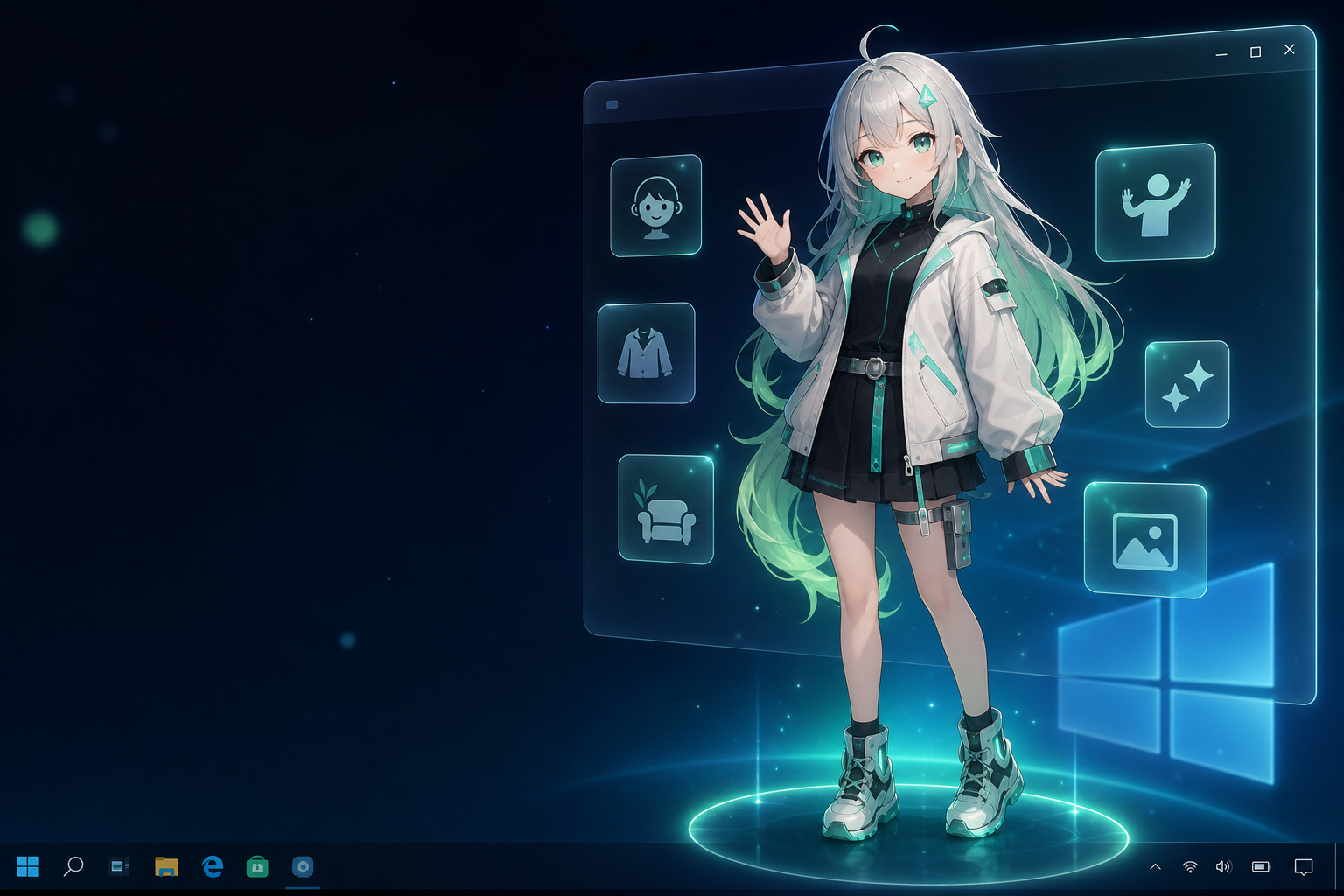
If you want an official anime character experience through Steam and character DLC, Desktop Mate may be the simpler choice. If you are searching for a Desktop Mate alternative with custom VRM support, AniMate is the more direct fit: it lets you start with built-in characters, then unlock your own VRM models and Workshop assets when you are ready.
Why people look for a Desktop Mate alternative
Public Steam discussions and user reviews around Desktop Mate often point to the same set of expectations. Users like the idea of a character living on the desktop, but some want more control over who the character is, how much content is included, and whether the experience can grow beyond official character packs.
- They want their own character: VRoid users, VTuber fans, and model collectors often want to place a personal VRM avatar on the desktop.
- They worry about content limits: A desktop companion feels more valuable when the user can keep adding characters and assets over time.
- They compare DLC value: Official character packs are convenient, but not every user wants to build their setup through paid character DLC.
- They care about mod and import clarity: When users invest time into a desktop companion, they want to know what kinds of custom content are actually supported.
- They want performance-style features: For some users, the dream is not just a character that idles, but a character that can dance, react, and become part of a desktop stage.
Desktop Mate vs AniMate
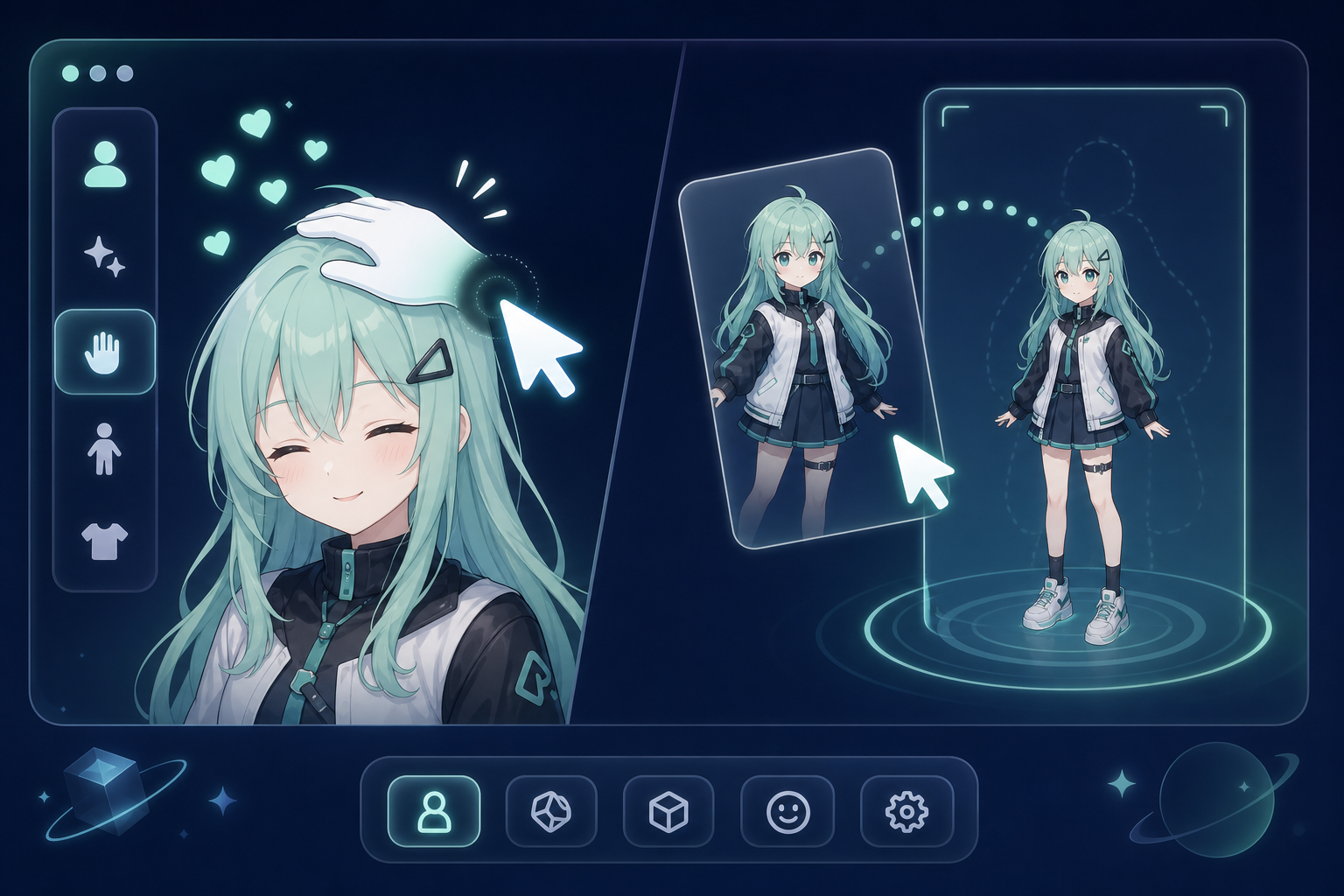
| What you care about | Desktop Mate | AniMate |
|---|---|---|
| Core appeal | Official anime desktop companion on Steam | Personal VRM desktop companion built around your own characters |
| Character source | Official character DLC and built-in content | Multi-source Built-in models, your own VRoid avatar, open-source or creator-released models, official public model releases, and models bought from BOOTH or similar marketplaces |
| Custom VRM workflow | Not the main official positioning | Core feature A main reason to use AniMate |
| Motion, dance, and stage assets | Focused on desktop companion behavior | Workshop Personal character, motion, dance, and stage library |
| Best for | Users who want official characters with a simple Steam install | Own avatar Users who want to bring their own avatar or favorite VRM model to the desktop |
| Pricing mindset | Steam app plus official character DLC ecosystem | One-time unlock Free core experience, then one-time full version for custom imports |
When Desktop Mate is still the right choice
This is not a “Desktop Mate is bad” article. Desktop Mate has a clear appeal: it gives users a polished desktop companion experience through Steam, and official character DLC is attractive if you specifically want those characters. If you prefer a curated character lineup and do not care about importing your own VRM files, that path can be enough.
AniMate becomes more interesting when you start asking different questions: Can I use my own avatar? Can I keep a library of my favorite characters? Can the same desktop companion become a small performance setup with dances, motions, and stages?
Desktop Mate mods: what they are, and what to use instead
Desktop Mate mods are community-made packages that swap or extend the official characters — custom models, tweaked behaviors, or unpacked DLC files. Because the app runs as a Steam game, most mods spread through fan communities rather than an official store, and each app update can break them. There is also no supported way to run Desktop Mate without Steam.
AniMate takes the same underlying idea — a customizable desktop character — and makes the customization first-class: you import any VRM file (see the free VRM models list (verified sources)), adjust scale, idle motion, and interaction settings in the app, and the character keeps working across app updates. If you were looking for Desktop Mate mods to put your own character on the desktop, importing a VRM model in AniMate is the more direct path.
Where AniMate is different
AniMate starts from the idea that a desktop companion should eventually become personal. You can try the basic experience with built-in characters, then upgrade when you are ready to import your own VRM model and build a reusable asset library.
- Custom VRM model import: Bring in your own VRM avatar, VRoid character, or downloaded VRM model.
- Workshop asset library: Treat characters, motions, dances, and stages as reusable personal assets.
- Desktop-first experience: Tune size, placement, interaction, and presence for everyday Windows desktop use.
- Try before upgrading: Use the built-in characters first, then decide whether custom imports are worth unlocking.
For a deeper look at the asset-library side of AniMate, see the Avatar Dance Workshop page: it explains how avatars, motions, dances, and stages work together as a personal performance library.
How the AniMate workflow feels
- Download AniMate: Start with the free desktop companion experience and built-in characters.
- Test the desktop fit: Adjust character size, position, mouse interaction, and music reactivity.
- Find or prepare a VRM model: Use a VRoid avatar, a creator model, or a downloadable VRM file with clear usage terms.
- Unlock custom import: Upgrade to the full version when you are ready to use your own model and Workshop assets.
- Build your setup: Add motions, dances, and stage choices so the character feels like part of your desktop, not just a sticker on top of it.
What to check before importing a model
A custom-character workflow is powerful, but it also needs a little discipline. Before importing a model into any desktop companion, make sure the file and the usage terms are clear.
- File format: AniMate is focused on VRM. A PMX, FBX, Blend, or Unity package may not import directly.
- Source: Prefer models from the original creator, official release page, VRoid Hub, BOOTH, or a trusted model community.
- Usage permission: Personal desktop use is different from streaming, commercial use, redistribution, or public video content.
- Model weight: A beautiful model can still be too heavy for a comfortable always-on desktop companion.
- Motion stability: Big sleeves, long hair, complex accessories, and large skirts can look great at idle but break during dances.
Who should choose AniMate?
Choose AniMate if you are the kind of user who already thinks in terms of “my avatar,” “my favorite model,” or “my desktop stage.” It is especially useful for VRoid users, VTuber fans, anime desktop customization fans, and anyone who wants a companion that can grow beyond one default character.
If you only want to install a polished official companion and never touch model files, Desktop Mate may be simpler. If you want the desktop companion to become yours, AniMate is built for that direction.
FAQ
Is AniMate a Desktop Mate clone?
No. Both products live in the anime desktop companion space, but AniMate is focused on VRM import, personal character libraries, and Workshop assets such as motions, dances, and stages.
Can I try AniMate for free?
Yes. AniMate includes a free core experience with built-in characters, desktop presence, interaction, and music reactivity. Custom imports are part of the full version.
Is there a free Desktop Mate alternative?
Yes. AniMate is a free-to-try desktop companion: built-in characters, mouse interaction, music reactivity, and basic Workshop settings are available without paying. Custom VRM, motion, dance, and stage imports are unlocked in the full version.
Can I use Desktop Mate characters or mods with AniMate?
AniMate is not an official Desktop Mate mod and does not depend on Desktop Mate files. It uses compatible VRM characters, so prepare a .vrm model and import it through AniMate Workshop instead.
Where can I find free VRM models for a desktop companion?
Start with VRoid Hub, BOOTH, official model pages, and creator communities. Always check usage terms before importing. The free VRM model sources guide explains what to look for.
Can I use my own VRoid character?
If your character is exported as a compatible VRM file, AniMate is designed for that kind of workflow. Always keep a backup of your original model and check usage terms if the model was made by someone else.
Does AniMate include official anime character DLC?
AniMate is not positioned around official character DLC. Its value is helping you bring your own compatible VRM characters and performance assets into a Windows desktop companion setup.
Bring your own VRM character to the desktop
Start free with built-in characters. Upgrade when you are ready to import your own VRM models, motions, dances, and stage assets.
Sources and related reading
- Desktop Mate on Steam
- Desktop Mate downloadable content on Steam
- VRM desktop companion for Windows
- Anime desktop pet for Windows
- AniMate beginner guide
- How to import a VRM model into AniMate
- Where to find free VRM models
- Build your personal avatar and performance library
- Best desktop pet software for Windows
- How to make an anime character desktop pet
- Desktop pet download guide
- Make VRM models with AI and Codex