Desktop Pets That Dance: Which Ones Actually Do
“My desktop pet dances” can mean two very different things: a character that bobs along to music, or a character performing a choreographed routine you chose, complete with a stage. The first is decoration. The second is a performance — and being able to apply one routine to any character depends entirely on the model format you're using.
Music reactivity is not dancing
These four capabilities get bundled together in marketing, but they're separate features and products have them in different combinations.
| Capability | What it means | Who has it |
|---|---|---|
| Music reactivity | The character sways or bounces in time with audio it detects | Some pets — VPet Simulator and AniMate Waifu among them |
| Choreographed dance | A fixed routine with deliberate poses and timing | Fewer — AniMate Waifu's dance library, for example |
| Any character, same routine | Swap the model and the dance still plays correctly | Effectively requires an open format like VRM |
| Stage and scene | Backgrounds and lighting that turn a dance into a performance | Rare — AniMate Waifu's stage assets |
The reason “any character, same routine” is hard comes down to rigging. A choreographed dance is a sequence of bone rotations, so it only works on a character whose skeleton follows a predictable standard. VRM defines that standard. A sprite sheet or a studio's custom rig doesn't.
Which desktop pets can dance
| App | Dancing | Swap the character | Music reactivity | Stages |
|---|---|---|---|---|
| AniMate Waifu | Choreographed routines plus any-character playback | Any VRM 0.x or 1.0 model | Yes | Yes |
| Desktop Mate | Fixed animations made for each studio character | No official VRM import | Character-dependent | No |
| VPet Simulator | Community animations and music response | Workshop content or code edits | Yes | No |
Desktop Mate's characters do move and react — but those animations are authored for specific models, and there's no supported way to bring in your own. VPet's music response is real, and its community animations are fun, but they're 2D sprite work rather than a rigged performance.
AniMate Waifu: one routine, any character
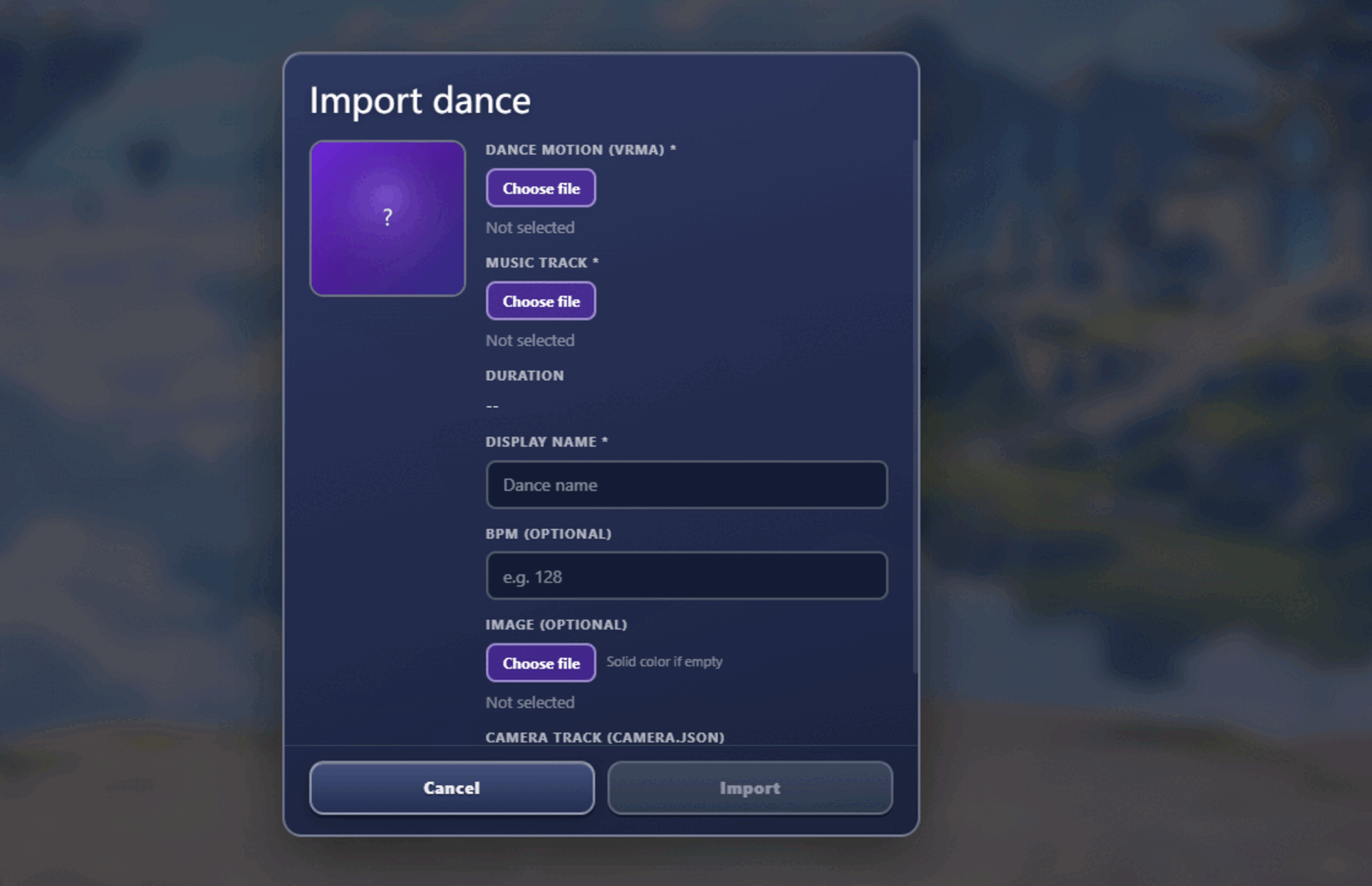
The dance features here are the reason to care about the VRM format. Import any VRM 0.x or 1.0 model and it can be put into the same choreographed routine, because the routine targets the standard skeleton rather than one specific character.
- Any character, same dance: swap the model and play the routine again — useful if you make content with more than one character;
- Motions, dances and stages in one place: a library managed in the workshop, with 3D preview before you play anything;
- Stages: change the backdrop to turn a dance into something worth recording;
- Reactivity when nothing's choreographed: leave it idle and the character still moves with your music;
- It's still a pet: head pats, gaze tracking and dragging all work when the music stops.
What it costs you: the dance and stage libraries are part of the $9.90 one-time full version (the free tier includes two characters); 3D animation needs a bit more from your machine than a sprite does; and it runs on Windows 10/11 and Apple Silicon macOS.
Who it's for: VTuber and OC creators who want footage of their own character, anyone who enjoys the “same dance, different character” format, and people building a desktop around a character rather than a wallpaper. How-to: the dance and stage guide.
Why the file format decides this
If you're planning around dance, the format you work in matters more than the app you install.
| Format | What it is | Good for dancing? |
|---|---|---|
| VRM (0.x / 1.0) | An open standard for 3D characters, designed around humanoid rigs, expressions and spring bones | Yes — this is the format built for it |
| FBX | A general 3D interchange format used across games and animation | Possibly, but it needs conversion and often loses expressions or physics |
| OBJ | A basic mesh format with no skeleton | No — static geometry can't be posed |
| glTF / glTF2 | A modern 3D transmission standard, animation-capable | Depends on the implementation; not a desktop pet standard today |
The practical version: if you want your character dancing, you want a VRM model. That means either creating one (VRoid Studio is free and exports VRM directly), commissioning one, or buying one from a creator who supplies VRM. For MMD models, conversion is possible but fiddly — see PMX to VRM. For where to find models: VRM model sources.
Making it run smoothly
Animation is the most demanding thing a desktop pet does, because it's rendering a full character every frame. Three steps handle most performance problems:
- Lower the quality setting first. Desktop pets that render 3D usually have a quality tier — drop it before you blame your hardware;
- Idle quietly between performances. Use the quiet or suspend-interaction mode when you're not watching, so the character isn't animating continuously;
- One dancing character at a time. A pet on standby plus one performing is a sensible arrangement; several dancing 3D characters at once will strain anything.
Install size is a rough proxy for how heavy a pet is: AniMate Waifu is around 40MB, while Desktop Mate's install is typically over 1GB. If you're on older hardware, lightweight desktop pets covers the alternatives. For deeper troubleshooting: performance guide.
Frequently asked questions
Can my desktop pet dance to my music?
Two separate features get called that. Reactivity means the character moves in time with detected audio — several pets do it. A choreographed routine is a fixed performance you trigger, and that's rarer. If you want your character in a specific routine, check for a dance library rather than a “reacts to music” bullet point.
Can I make my own character dance?
Yes, with a VRM model. Because choreography targets the standard humanoid rig, any VRM 0.x or 1.0 character can be put into the same routine — that's the whole advantage of the open format over a fixed character catalogue.
What do I need to run a dancing 3D pet?
Less than you'd think. A simple VRM model in a small window works on integrated graphics. What raises the requirement is model detail, window size, frame rate and effects — so reduce those first on a modest machine. 2D pets are essentially free by comparison.
Where do I get a VRM model?
Make one in VRoid Studio (free, exports VRM), buy or download one from a creator on VRoid Hub, BOOTH, Gumroad or itch.io, or commission one. Check the licence for streaming and commercial use — a lot of free models allow personal use only. More: model sources.
Is a dancing pet distracting?
Only while it's dancing. The useful pattern is a character that stays quiet by default and performs when you ask it to — which is why click-through, quiet modes and idle states matter as much as the dance library.
Related reading
| If you want… | Go here |
|---|---|
| The full picture across every category | 27 desktop pet apps compared |
| Short recommendations by use case | Desktop pet software: quick picks |
| Your own character, with AI attached | Desktop pets for custom characters |
| A pet that chats and remembers you | AI desktop pets compared |
| Something that won't slow the machine down | Lightweight desktop pets |
| To know what free really costs | Free desktop pets, and the hidden costs |
| Company while studying or working | Desktop pets for studying |
| The 2D versus 3D question answered | 3D desktop pets explained |
Get your character dancing in a few minutes
Download AniMate Waifu, import a VRM model and try the dance library and stage assets. The free tier is enough to see whether the routine playback suits what you're making.